
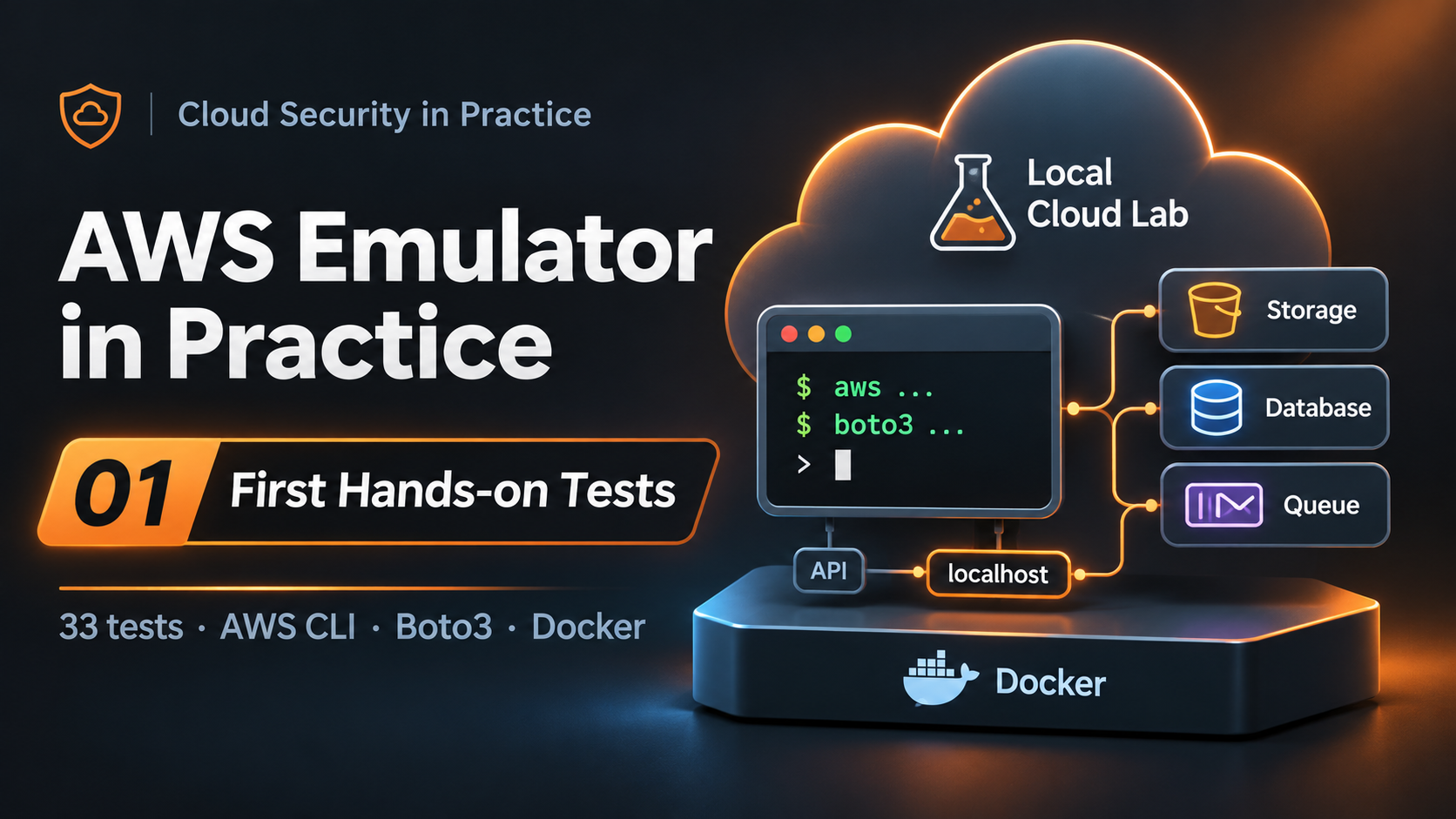
AWS Emulator in Practice · Part 01 · 5-minute read
On November 11, AWS announced its own cloud service emulator: a tool that lets us use the AWS CLI, AWS SDKs and our applications without deploying infrastructure to the cloud.
Could it become an alternative to LocalStack? Does it actually work with the tools we use every day? What are its limitations?
I set up a lab to find out. Here are my first results.
What is AWS Emulator?
AWS Emulator implements AWS APIs locally. Instead of sending requests to cloud services, we direct them to an endpoint running on our own machine.
We can create an S3 bucket, insert items into DynamoDB or send messages to an SQS queue using the same commands and SDKs we would use against real AWS. No AWS account is required, and there are no cloud charges for the emulated resources.
The project is written in Rust, its source code is available on GitHub, and AWS publishes fidelity reports alongside releases. These reports help us understand how closely the emulator’s behavior matches real AWS.
But there is an important distinction: implementing an API does not necessarily mean reproducing everything the underlying service does. That is exactly what I want to explore in this series.
My test environment
I used a Debian 13 virtual machine with 2 vCPUs and 4 GB of RAM running on Proxmox. The tests used AWS Emulator v1.0.341, AWS CLI and Python/Boto3, both natively and in Docker.
On Linux, installation uses a DEB or RPM package. Once installed, we can start the emulator with:
aws-emulator -t offThe -t off option disables telemetry. By default, the emulator listens at https://127.0.0.1:9297 and generates its own credentials, configuration and TLS certificates.
After configuring AWS CLI to use those files in a dedicated shell, my first recommended check is:
aws sts get-caller-identity --endpoint-url https://127.0.0.1:9297Here is what my lab returned:
{
  "UserId": "AKIAIOSFODNN7EXAMPLE",
  "Account": "000000000000",
  "Arn": "arn:aws:iam::000000000000:user/emulator"
}
This identity, together with the explicit endpoint and local credentials, helps confirm that we are working against the emulator. The full setup, signature verification, AWS CLI configuration and test scripts are in the GitHub repository.
What did I test?
I ran an initial suite of 33 checks covering service operations, persistence, Docker and safeguards against accidental calls to real AWS.
| Experiment | Result |
|---|---|
| Installation and startup | 4/4 |
| AWS CLI | 5/5 |
| Python and Boto3 | 6/6 |
| Persistence and multiple instances | 3/3 |
| Docker | 9/9 |
| Lab safeguards | 6/6 |
| Total | 33/33 PASS |
I was able to create S3 buckets, upload and download objects, manage versions, create DynamoDB tables and work with SQS queues. These results refer to the reference test run on November 13, 2026, not the emulator’s entire AWS coverage.
But the most interesting part isn’t that these operations worked. It’s what I discovered along the way.
Three things that caught my attention
1. It’s fast and relatively lightweight
In my environment, AWS Emulator was ready in approximately 0.6 seconds. Idle memory usage was around 286 MiB RSS and 284 MiB PSS.
AWS mentions approximately 160 MiB in its documentation. My measurements are higher, although the conditions may not be directly comparable.
Either way, being able to start an instance in under a second is promising for integration tests and CI/CD pipelines.
2. The emulator reproduces real AWS errors
During my DynamoDB tests, I attempted to insert an item immediately after creating a table. The operation failed with ResourceNotFoundException.
The reason? The table was not yet ACTIVE. Waiting for it to become available solved the problem, just as it would with DynamoDB in AWS.
This might sound like a minor detail, but I see it as a good sign. A useful emulator should reproduce not only successful operations but also the errors and transitional states that affect real applications.
3. Every run starts from scratch
I created an S3 bucket and a DynamoDB table, stopped the emulator and started it again. Both resources were gone. The credentials and certificates had also been regenerated.
AWS Emulator keeps its state in memory. We can run multiple instances simultaneously, each with its own resources.
That is particularly interesting for automation and AI agents: we can spin up independent, ephemeral environments and discard them when each experiment ends.
An important security warning
I was able to configure S3 encryption and Block Public Access, then retrieve those configurations.
Does that mean the emulator enforces the same security controls as AWS? No.
AWS’s own documentation warns against using AWS Emulator to test the security of applications.
IAM and resource-based policy evaluation differ from real AWS. A request that AWS would deny might be accepted by the emulator.
I see considerable potential for developing inventory tools, testing the logic of a security auditor or generating configurations for automated tests. But effective permissions, isolation and security controls must still be validated in real AWS, within an authorized test environment.
My first takeaway
AWS Emulator has real potential for developers, DevOps teams and cloud security professionals.
My initial results have been positive. However, it is too early to tell how far it can replace tools such as LocalStack.
I have already encountered some interesting behavior worth investigating further. For example, my first Docker setup failed because of the emulator’s network configuration. Fixing it meant understanding how AWS Emulator listens inside a container and how Docker publishes ports.
That will be the topic of the next article: AWS Emulator in Docker, the problems I encountered and how I solved them.
After that, we’ll look at what happens when we deploy infrastructure with Terraform. The first tests have already produced some intriguing results.
Reproduce my experiments
I’ve set up a GitHub repository for the labs in this series. It contains installation instructions, scripts, automated tests, results and the issues I’ve encountered along the way.
If you try AWS Emulator in your own environment, feel free to share your results or open an issue in the repository.
References
- AWS Emulator — AWS announcement
- AWS Emulator documentation
- AWS Emulator source code
- Security in AWS Emulator
Related articles
Interested in Cloud Security?
Technical analysis, hands-on labs and real-world cloud security insights.

Francisco Sepúlveda
Cloud Computing & Cybersecurity Instructor, Learning Experience Designer
Instructor and consultant in Cloud Computing, Cybersecurity and AI, with more than 25 years of hands-on experience in real enterprise environments. I design and deliver technical training programs, combining deep subject-matter expertise with learning experience design to make complex security concepts stick. I share practical, applied analysis on Cloud Security in Practice.
More about me →